
Atlassian Reseller
Atlassian licences and Marketplace apps through a Gold Solution Partner, with advice on edition, user count and cloud migration.
The edition tier decides the bill for the years to come.
The challenge: licences grow, and never shrink
Edition and user count can be worked out before you buy. We do that first, and we say so when the smaller tier is enough.
The usual mistake happens at the first purchase and echoes for years: the higher edition gets ordered for a feature two teams need, then paid for by everyone. Going too small costs a migration mid-year instead. Both can be calculated in advance.
Licences for colleagues who left
One edition tier too high
Apps nobody has opened in two years
Renewals nobody is watching
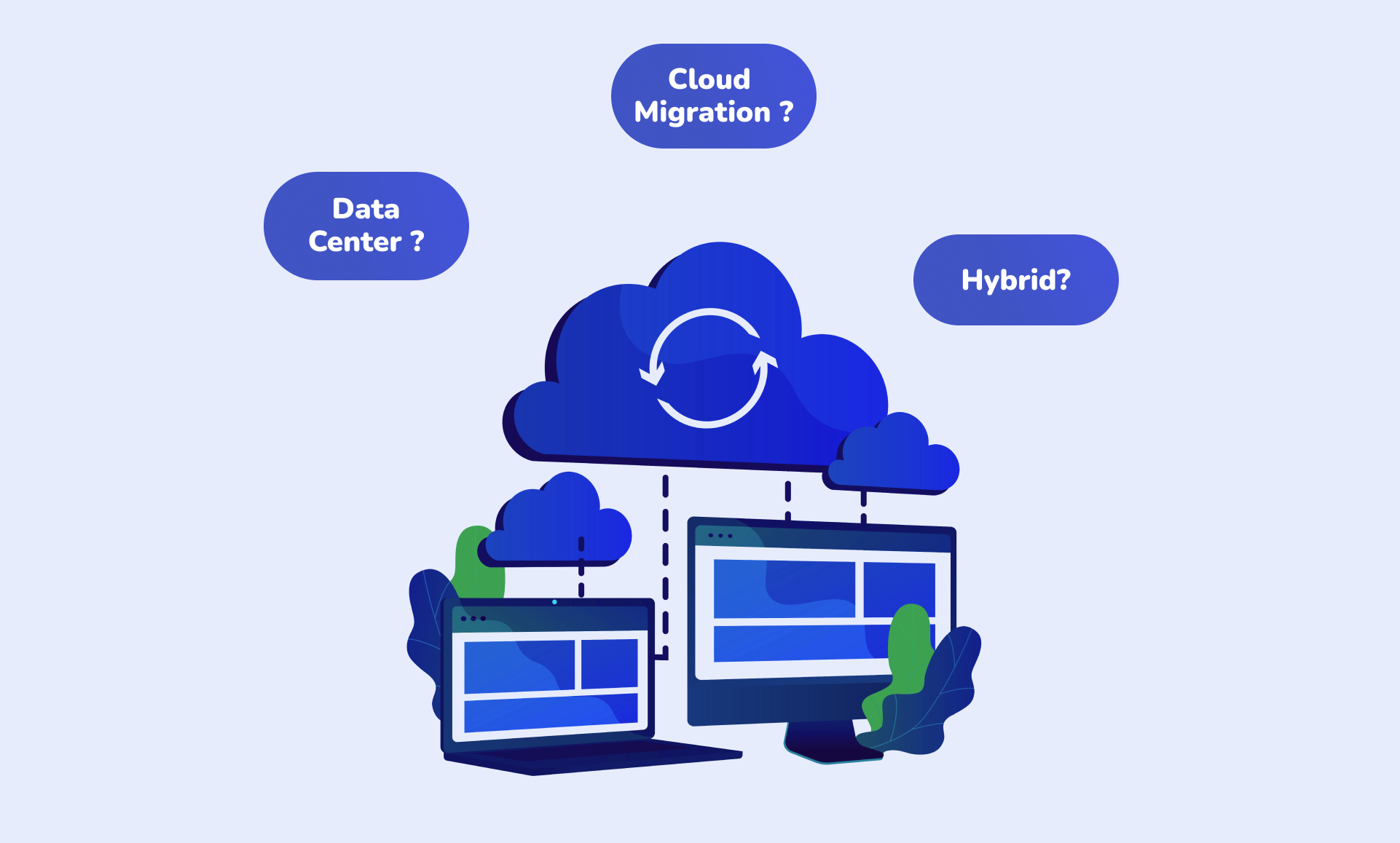
The path into Atlassian Cloud
Our team assesses your existing instance, plans the move and carries it out. Afterwards we stay reachable for setup and connections.
The assessment decides the effort. Apps with no cloud equivalent, customisations from the Server era, and interfaces to systems inside your own network are the three places where a move gets long. Know them in advance and you plan time windows rather than surprises. What Atlassian's cloud strategy means for existing customers is set out in From server to cloud.
Assess
Scope, apps and customisations of your Server or Data Center instance: what moves, what needs an equivalent, and what stays behind.
Plan
Sequence and time window, matched to the weeks your business can spare.
Execute
The migration, then setup, configuration and the connection to your remaining systems.
How it works: what the assessment covers
We do not simply count users. We look at which apps actually get opened, which customisations date from the Server era, and which interfaces point at a server inside your own network. Those three points decide whether a move takes three weeks or three months.
Out of that comes an edition recommendation with the arithmetic beside it, and a migration plan with time windows.
- An assessment of your current licences, apps and user numbers
- Which apps get used and which merely cost money
- Which Server-era customisations need a cloud equivalent
- Which interfaces point at a system inside your own network
- An edition recommendation, calculated before the purchase
- A migration plan with time windows that fit your business
- The migration itself, then setup and connections
- A named contact for renewals rather than a portal
What is still to do after the move
A migrated instance is not a configured one. Permissions, automations and interfaces need their own round in the cloud.
The interfaces above all. What ran on Data Center through a server inside your network needs a different route in the cloud. For the connection to SAP we built that route in our own product, so we know where it snags.
Assess, plan, execute
The full path is described on Atlassian Cloud Migration.
Cross ALM as an Atlassian partner
Cross ALM is an IT and process consultancy based in Berlin. We are an Atlassian Gold Solution Partner, an Authorized Training Partner, and were named Atlassian Partner of the Year Rising Star EMEA in 2023: Cross ALM Receives Atlassian Partner of the Year 2022 Award.
That way the renewal does not hang on a portal nobody watches, and the training does not hang on a second vendor with its own calendar. Both run on the same contract and through the same contact.
One contact
Licences, apps, renewals, migration and training on the same contract. No portal for somebody to keep an eye on.
Training included
As an Authorized Training Partner we teach from official material, on your own environment: Atlassian Trainings.
Connections to SAP
Certified SAP partner and ServiceNow Select Build Partner. The interfaces that have to come along are our own territory.
Starting in three steps
The assessment is worth doing even if nothing moves afterwards. It shows what you pay today, and for what.
Take stock
Licences, apps and user numbers, plus the question of how much of it is genuinely used.
Recommendation and plan
Edition tier with the arithmetic beside it, a migration plan with time windows, and a list of the interfaces that have to come along.
Move and set up
The migration, then permissions, automations and the connection to your remaining systems.
From customer projects
What Atlassian landscapes look like once they are set up is written up in our project reports: Success Story Bürkert covers a rollout that reached beyond IT, and ITSM with Jira Cloud shows how far the cloud standard carries.
You are currently viewing a placeholder content from HubSpot. To access the actual content, click the button below. Please note that doing so will share data with third-party providers.
More InformationCustomers who trust us
Before you order
- One contact for licences, apps and renewals
- The edition tier is worked out before the purchase
- Migration and operations from one team
- Connections to SAP and ServiceNow by the same people