
Atlassian Training Partner
Official Atlassian training
Live training for Jira, Confluence, Rovo and Jira Service Management, online, on site or as a private session for your team.
Projects for companies including







Training programme
Step by step to your goal
Role-based training paths that build on each other. Jira, Confluence, Rovo and Jira Service Management: every product starts with an entry course with no prerequisites. On request, the programme is put together individually.
Audience: Decision-makers and the curious · Entry level
Get started: the quick overview
Short format of three one-hour sessions: a quick overview with no prior knowledge, ideal for decision-makers before an investment decision.
Get started with Jira
An overview of Jira, the ideal start before the budget discussion.
Get started with Confluence
The basics of team spaces, pages and collaboration at a glance.
Get started with Rovo
A first look at AI-powered search and chat across the Atlassian ecosystem.
User training for Jira Service Management is available outside the Atlassian programme on request.
Audience: Users · Entry level
Onboarding: up and running day to day
For everyone who works with Jira, Confluence or Rovo day to day. Onboarding is the prerequisite for the advanced courses.
Onboard to Jira Cloud
Navigate, create and edit work items, work with boards: the start of day-to-day use.
Onboard to Confluence: Navigate and create content
Create pages, understand the structure, build your first content.
Onboard to Rovo: Search and chat with AI
Get to answers faster in everyday work with AI-powered search and chat.
User training for Jira Service Management is available outside the Atlassian programme on request.
Audience: Users and project leads · Next level
Advanced: get more out of Jira and Rovo
Builds on onboarding, for users and project leads who want to deepen the way they work.
Jira Essentials certification prep
Structured preparation for the official Atlassian certification.
Onboard to Rovo: Create AI agents and automation
Build your own AI agents and automations for the team.
User training for Jira Service Management is available outside the Atlassian programme on request.
Audience: Project leads · Entry to administration
Space admin: responsible for your own area
For everyone responsible for spaces, workflows and collaboration in a project: the entry point to administration.
Jira space admin: Configure space settings and access
Configure access and basic settings in your own space.
Jira space admin: Configure versions, components, and forms
Build the structure for releases, components and forms.
JSM space admin: Explore space settings and configure access
Configure settings and access in a service management space.
JSM space admin: Configure request types, queues, SLAs, and channels
Set up request types, queues, SLAs and channels for the service desk.
Audience: Jira app admins · Next level
App admin: the Jira site under control
Builds on the space admin path, for everyone taking on the site-wide configuration of Jira.
Jira app admin: Configure permissions and global settings
Define global permissions and the basic configuration of the site.
Jira app admin: Standardize a site with schemes
Schemes for a consistent set-up across all projects.
Jira app admin: Effectively govern a site
Establish governance practices for a growing Jira site.
Design and standardize Jira workflows
Design workflows and standardise them across the organisation.
Audience: Platform admins · Next level
Org admin: responsible for the organisation
The highest level in the path, for everyone responsible for the whole organisation across all products.
Org admin: Manage sites, subscriptions, and users
Manage sites, licences and users across the whole organisation.
Org admin: Manage apps and security
Own apps, security policies and governance at organisation level.
How it works
Live, interactive and hands-on
Live with a trainer
Live and instructor-led, online or on site. Short inputs, live demos and exercises alternate, and questions are welcome at any time. Sessions are not recorded.
Official material
Based on official Atlassian course material. If you do not have your own instance, a practice environment is provided. A certificate of attendance is available on request.
Technical set-up
A computer with a stable internet connection, a microphone and optionally a webcam. A second screen helps with the exercises.
Company training: a private session for your team, with the agenda tailored to your use cases and, on request, run in your own environment.
FAQ
What to know about the training
Is this a lecture?
No. The training is interactive, with live demos, exercises and time for questions.
Is there a recording?
No. These are live sessions. Materials and a practice environment are available on request.
Is there a certificate of attendance?
Yes, on request.
Which video tools are used?
Usually Zoom or Google Meet. Your preferred tool on request.
Can private individuals book?
No. The offer is open to companies only. All prices exclude VAT.
Contact
Let’s talk about your project
Tell us briefly what it is about, and you will hear from us personally.
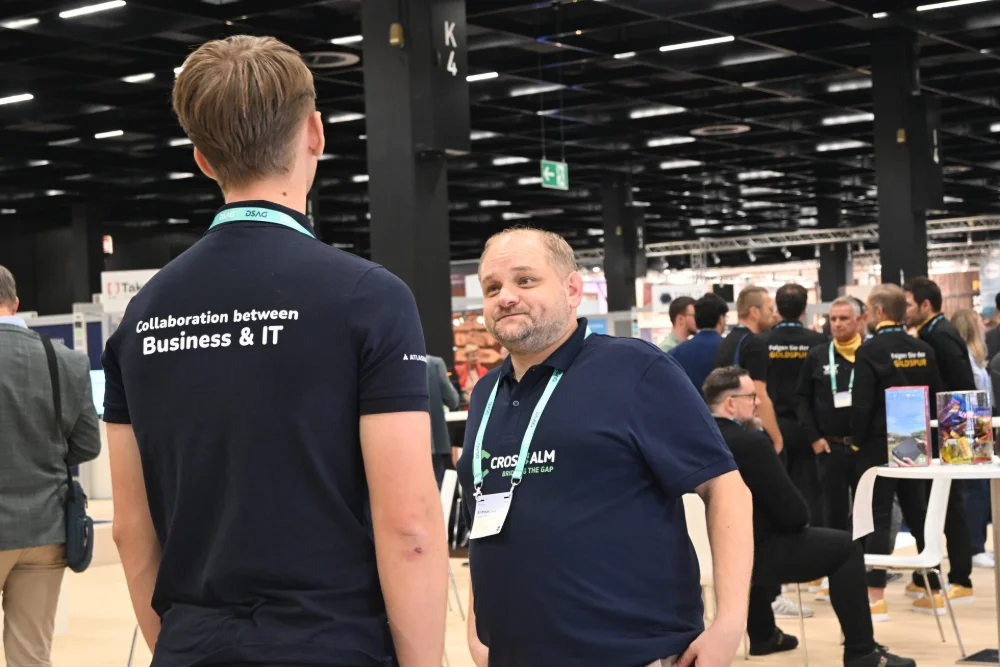
What happens when you get in touch:
- A consultant gets back to you and clarifies your requirements
- Together you look at your processes and systems
- You receive a proposal for the next steps
You are currently viewing a placeholder content from HubSpot. To access the actual content, click the button below. Please note that doing so will share data with third-party providers.
More InformationPrefer to get in touch directly? Email solutions@crossalm.com or call +49 30 398 36 112.